Wrong project
Field workers should not have to remember which folder matches the address where they are standing.
 My Doc Buddy
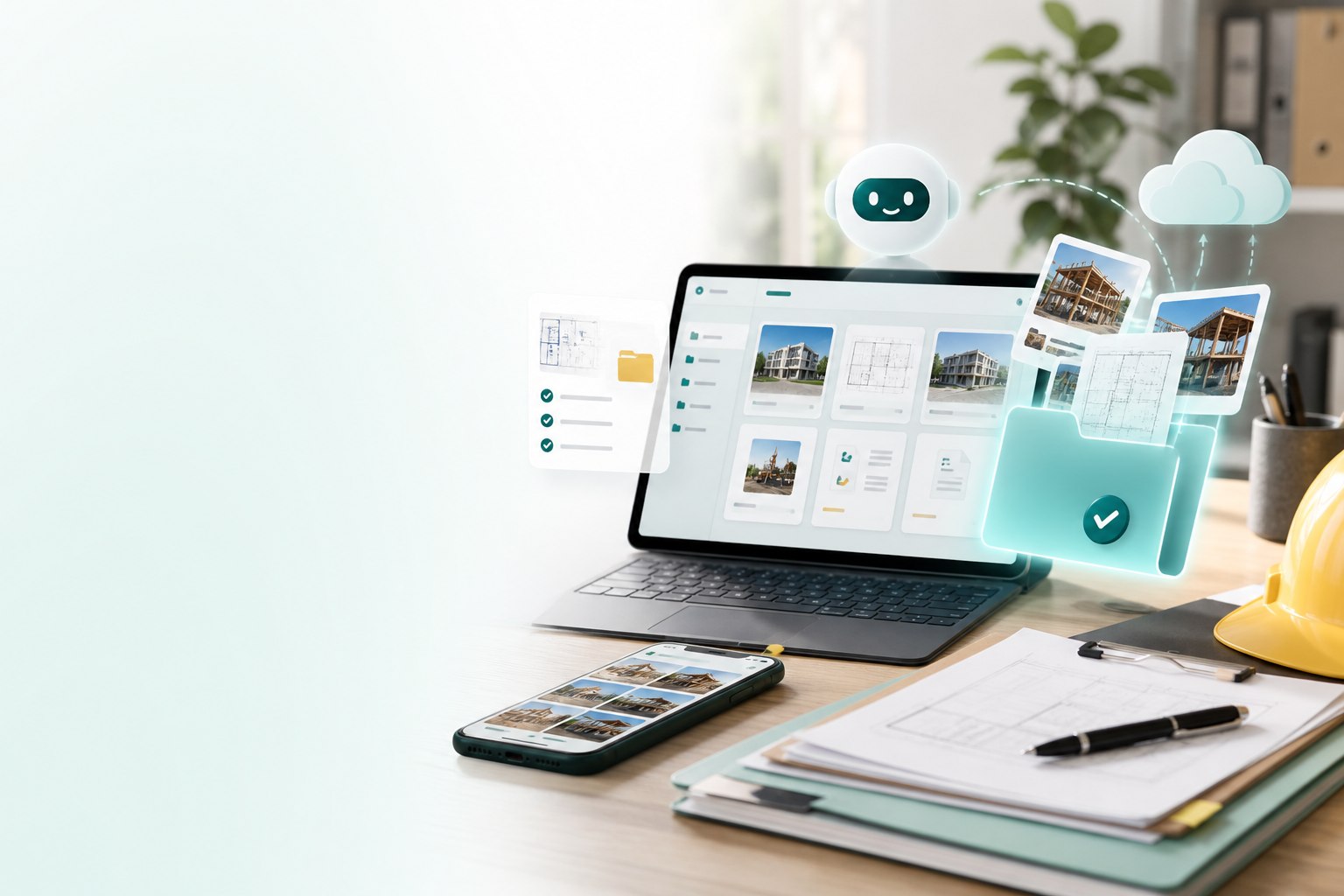
Project documentation
My Doc Buddy uses each field photo's GPS location and your saved project addresses to suggest the right folder automatically, so crews stay organized without memorizing project names.
The everyday mess
Photos, PDFs, drawings, and proof of work often end up scattered across phones, inboxes, and shared drives. My Doc Buddy gives teams one calmer way to keep project records together.
Field workers should not have to remember which folder matches the address where they are standing.
Photos need the time, location, and project relationship to stay useful after the day is done.
Project evidence belongs in a company library, not buried inside employee camera rolls.
Crews need the right drawings in the field while managers keep control of active and archived work.
How it works
Create the project, address, folders, documents, and assigned team in the web library.
Workers capture site photos, add notes or markup, and keep moving through the job.
GPS compares the photo location with stored project addresses and points to the closest match.
Photos, drawings, PDFs, and project records stay grouped by the address they belong to.
GPS project matching
My Doc Buddy turns that location into organization. When a worker captures a field photo, GPS helps connect it to the closest saved project address, reducing folder hunting and keeping site evidence tied to the correct job.
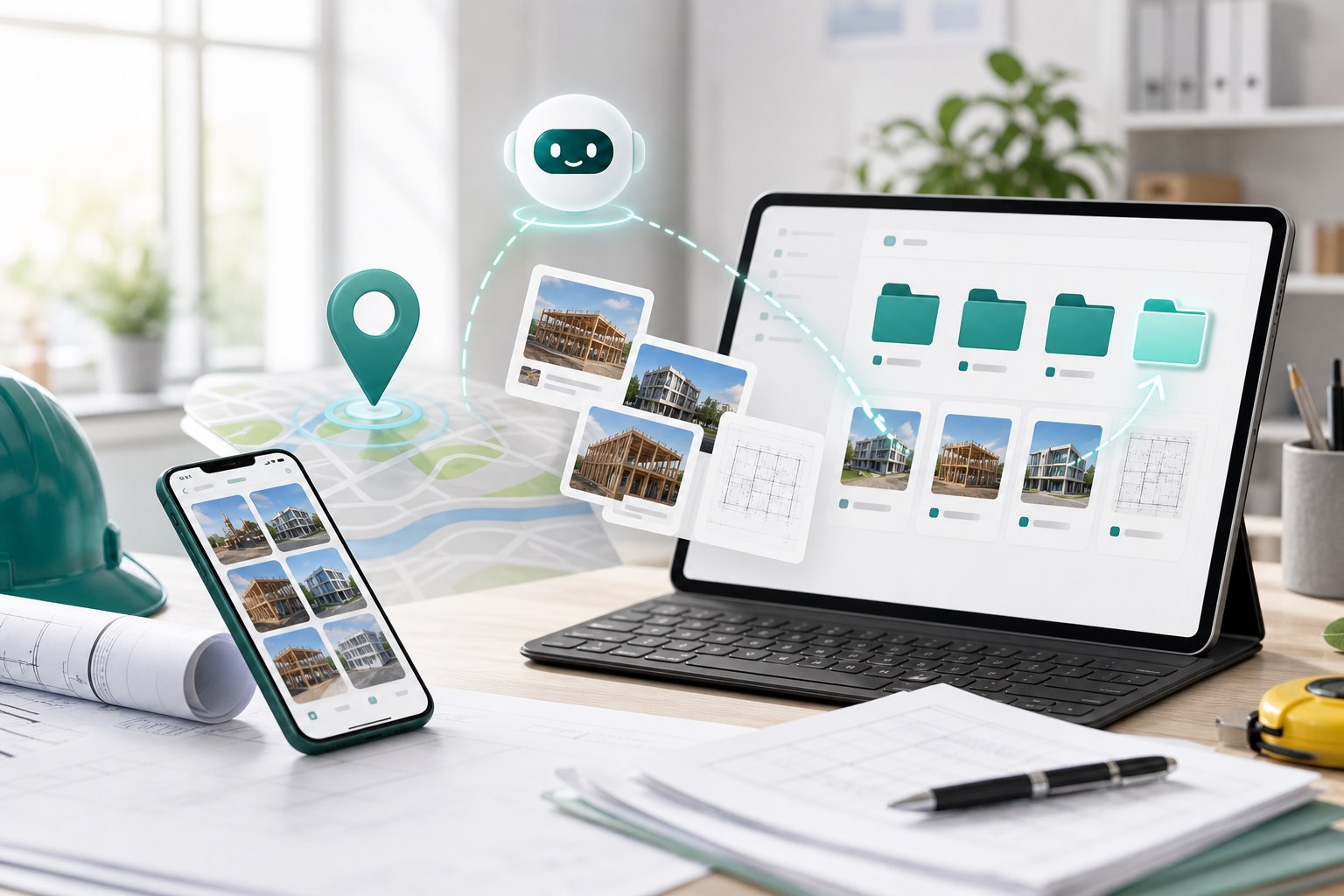
Field capture
The field workflow is built for busy crews. Capture photos, keep the location context, and let My Doc Buddy guide the documentation back to the right project address.
Document library
From a desktop browser, teams can organize addresses, folders, photos, PDFs, drawings, employees, and archives in one company-controlled place.
Access and control
My Doc Buddy is designed for teams that need every active site documented, every worker assigned intentionally, and every completed project preserved without becoming field clutter.
Useful on day one
Keep each stage of work connected to the project address and folder.
Find supporting photos and files faster when a customer asks what happened.
Make PDFs and drawings available to assigned employees in the field.
Keep a clean record that is easier to review, share, or archive.
Make recurring address work searchable for future service and follow-up.
Field files
Workers can capture new documentation and browse assigned project materials without managing a separate storage system or guessing where the next photo should go.
Request access
My Doc Buddy is a practical pilot for construction, renovation, maintenance, and site-service teams that need cleaner project evidence and file control.